Install IPTV Smarters PROon your Android TV
- DeviceAndroid TV
- AppIPTV Smarters PRO
- 3SetupFollow the steps

- 1
Load iptvsmarters.com, grab the APK
Open iptvsmarters.com in the TV browser, scroll to downloads and press Download APK for Android.
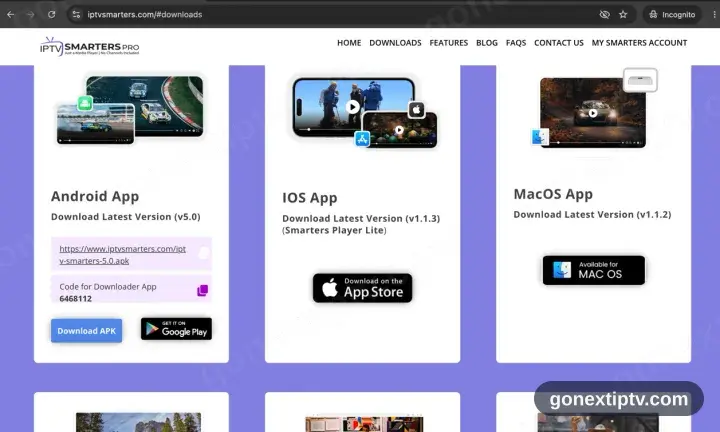
Google Play does not carry IPTV Smarters Pro. The APK from the vendor site is the only way in.
- 2
Install it, then open the app
Open the downloaded file and confirm. Allow installs from that browser or file manager if the TV asks, then start IPTV Smarters Pro.
- 3
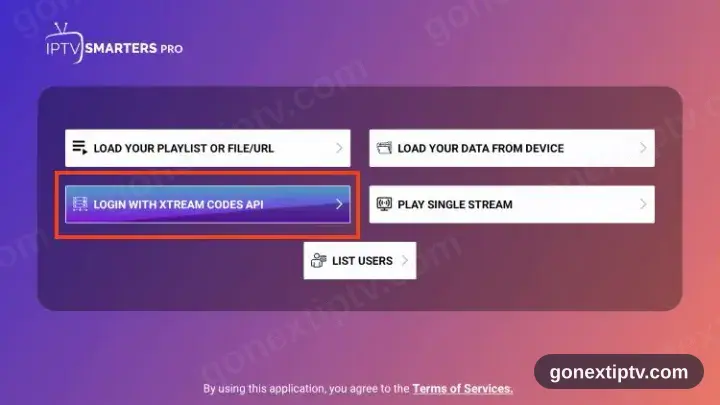
Pick Login with Xtream Codes API
Two sign-in routes are offered on the opening screen. Xtream Codes API is the one you want, not M3U.
- 4
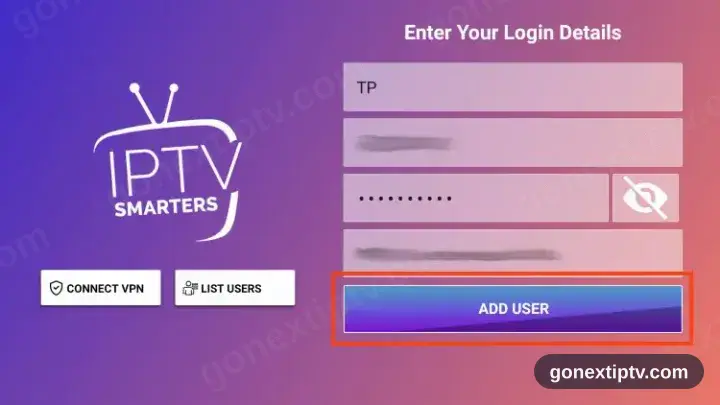
Key in your credentials
Server URL, username and password, straight from your account on our website. Case matters on all three.
- 5
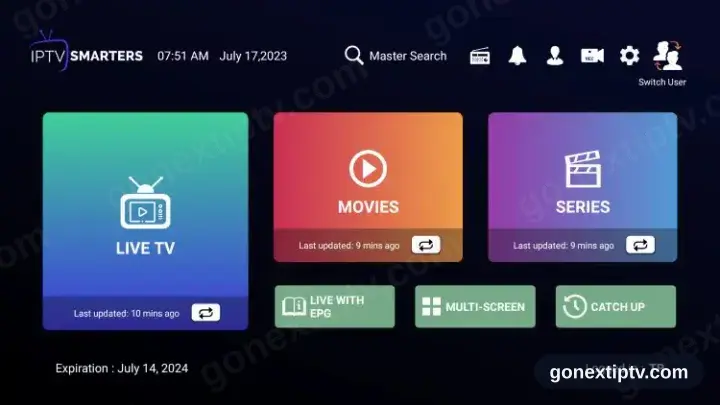
You are live
Channels, films and series populate. Hit play on anything to confirm the feed.
Your GO Next IPTV login details (username, password & server URL, M3U link or MAG portal URL) are in your account on our website as soon as your subscription is active. Can't find them? Contact support and we'll help.
Installing IPTV Smarters PRO on Android TV: what is different
Android TV and Google TV boxes install IPTV Smarters PRO from the Google Play Store on the device — not from your phone's Play Store.
If IPTV Smarters PRO is not on Play for your box, Android TV does allow sideloading: install a downloader app, then enable install-from-unknown-sources for it in Settings.
Most Android TV remotes have no pointer. IPTV Smarters PRO is far easier to drive if it supports D-pad navigation, which is why it is recommended here.